
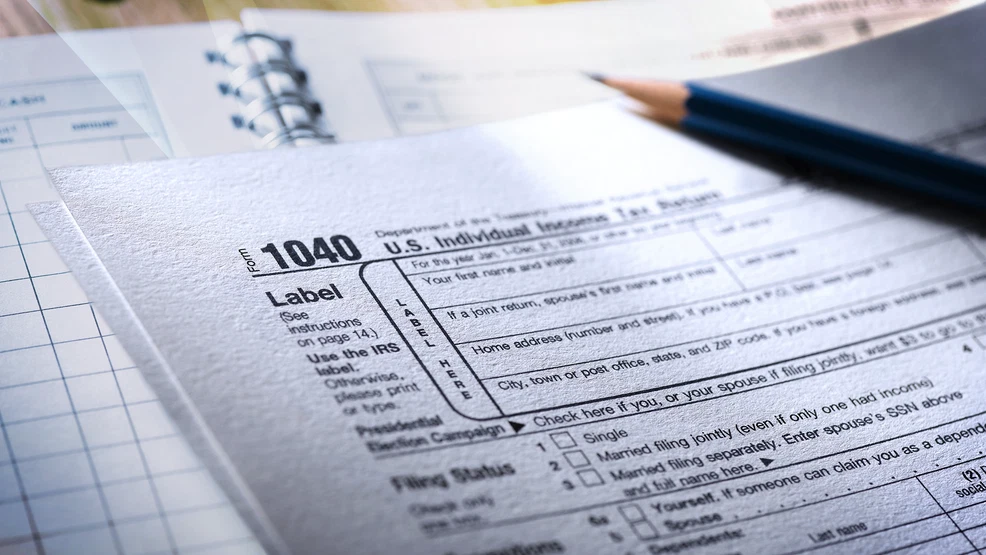
As tax season picks up, West Virginia’s attorney general is urging residents to stay alert for scams targeting taxpayers.
While texting and email remain essential communication tools, scammers also use them to target potential victims.
Attorney General JB McCuskey cautioned consumers to be suspicious of emails or text messages promising a tax refund. If you receive a message about a “tax refund” — especially one that asks you to click a link — it is likely a scam designed to steal your identity, your refund, or both.
According to a news release from McCuskey’s office, fraudulent messages often appear to come from the Internal Revenue Service (IRS) or a state tax agency and claim your refund has been “processed” or “approved.”
The message may instruct you to “verify your identity” to receive the funds and direct you to click a link to provide personal information such as your Social Security number or bank account details. Officials warn that this is a phishing scam meant to collect sensitive financial information.
If you receive a message like this, officials advise:
-
Remember that the IRS and state tax agencies do not contact taxpayers by text, email, or social media to confirm personal information.
-
Do not respond or click on any links. To check the status of a tax refund, visit USA.gov for accurate information about federal or state refunds.
-
Report the message and delete it, then block the number or email address. Use your phone’s “report junk” feature or forward suspicious texts to 7726 (SPAM). Mark unsolicited emails as junk or spam before deleting them.
Officials also outlined warning signs that a message may be fraudulent. Watch for:
-
Emails that lack a name, phone number, or other verifiable contact information.
-
Claims that there is an issue with your payment details or account.
-
Poor grammar or unusual wording.
-
Requests to confirm personal or financial information.
-
Suspicious email addresses or web links. Check URLs carefully for misspellings, such as https://www.yourbonk.com instead of https://www.yourbank.com.
-
Web addresses that begin like a legitimate site but include strange spelling or extra characters at the end, such as https://www.yourbank.com.ir123g!m.
Officials say if a message includes any of these red flags, it is a scam.